
Knowledge Graphs for Codebases: A Complete Guide to Graphify
Veröffentlicht am 12. Apr. 2026Aktualisiert am 27. Mai 2026
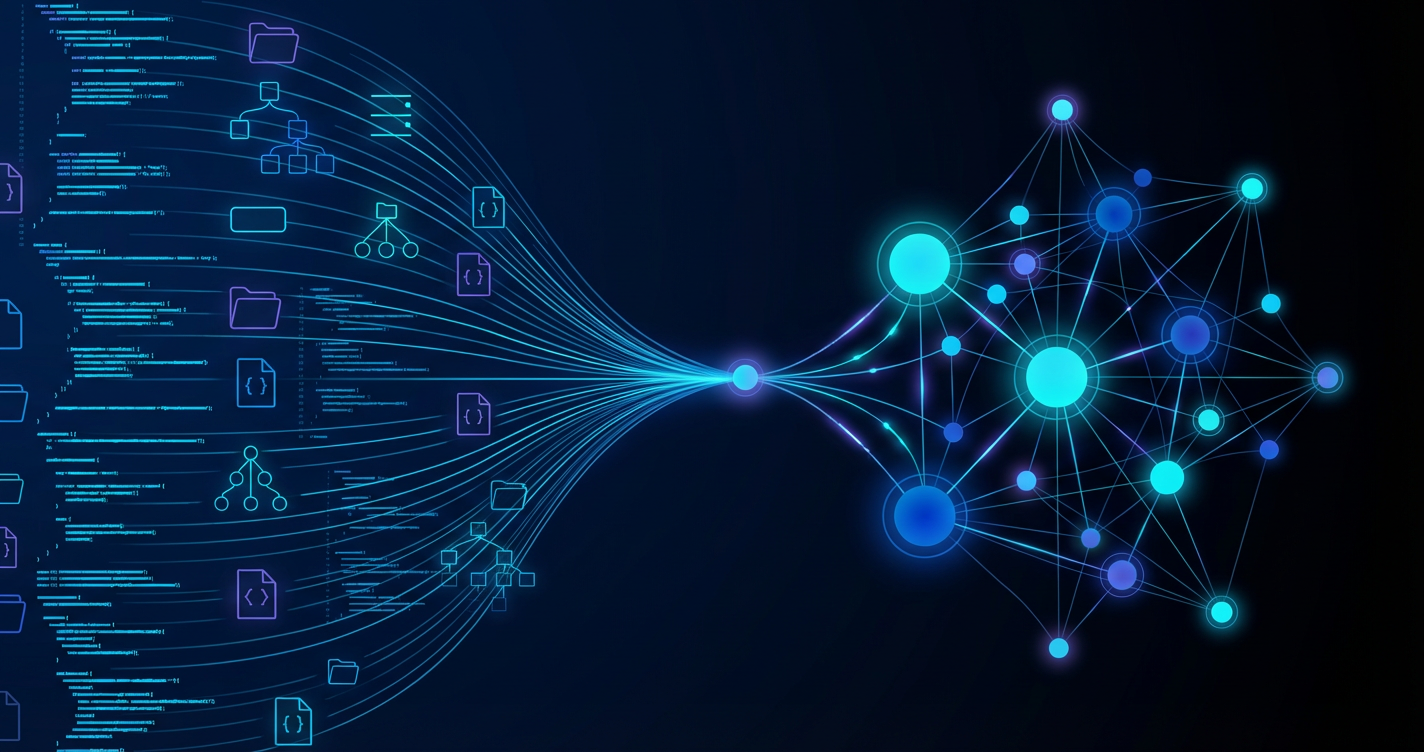
What if your AI coding assistant could instantly grasp the full architecture of your project without reading every single file? That is the promise behind Graphify, an open-source tool that turns any folder of code, documentation, research papers, images, or even videos into a queryable knowledge graph. Released on April 3, 2026, the project crossed 22,000 GitHub stars in under ten days. Here is everything you need to know about the tool that is reshaping how developers interact with their codebases.
What Is Graphify and Why Should You Care
Graphify is an open-source skill (MIT license) designed for AI coding assistants. You point it at a folder containing code, docs, PDFs, images, or audio files, and it automatically generates a structured knowledge graph. This graph maps the relationships between classes, functions, imports, concepts, and architectural decisions across your entire project.
The core problem Graphify solves is straightforward. When an AI assistant like Claude Code or Codex works on a codebase, it reads files one by one to build understanding. On a 52-file repository containing code, research papers, and images, this costs approximately 123,000 tokens per query. With Graphify, the same query costs around 1,700 tokens on average, a 71.5x reduction. Your AI assistant navigates the graph structure directly instead of scanning raw files.
Graphify produces three main artifacts. A graph.html file provides an interactive visualization with search, filtering, and community navigation. You can click on any node to explore its connections, filter by type (function, class, concept), and navigate between detected communities. A GRAPH_REPORT.md file summarizes the central nodes (called "god nodes" for their high connectivity), surprising connections between distant parts of the codebase, and suggested questions to ask the AI assistant. Finally, a graph.json file persists the full queryable graph, with a SHA256-based cache that only reprocesses changed files on subsequent runs.
The Karpathy Connection: Built 48 Hours After a Single Post

Graphify's origin story is tied to a post by Andrej Karpathy published on X on April 1, 2026. The former Tesla AI director described a workflow he found particularly useful: using LLMs to build personal knowledge bases across different research topics. Rather than writing code, Karpathy explained he was spending more and more tokens manipulating knowledge stored as Markdown files and images.
His workflow involved indexing source documents (articles, papers, repos, datasets, images) into a raw directory, then using an LLM to compile a wiki of .md files organized into concepts, with summaries, backlinks, and categories. The LLM maintained the wiki automatically, running periodic "health checks" to find inconsistencies, impute missing data with web searches, and discover interesting connections for new article candidates. Once his research wiki grew to around 100 articles and 400,000 words, Karpathy could ask complex cross-topic questions and get detailed, context-aware answers without any embeddings or vector search.
Forty-eight hours later, Safi Shamsi, a London-based AI engineer with a Data Science MSc from the University of Birmingham, published Graphify on GitHub. His master's thesis focused specifically on knowledge-graph-based hybrid RAG systems for academic search. Before Graphify, Shamsi worked as an AI Engineer at Valent, where his expertise spanned knowledge graphs, retrieval-augmented generation, explainable AI, and multi-modal deep learning. The timing was perfect: Shamsi had the exact technical background to turn Karpathy's vision into a working tool.
The community response was immediate. Muhammad Ayan's tweet announcing the project garnered over 12,000 likes, calling it "the exact tool Andrej Karpathy said someone should build." Another viral tweet from RoundtableSpace framed it as "Karpathy asked for LLM knowledge graphs, and someone built it." The project went from zero to trending on GitHub within 48 hours of launch.
How Graphify Works: A Three-Pass Architecture
Under the hood, Graphify uses a three-pass pipeline combining deterministic static analysis with LLM-driven semantic extraction. This hybrid approach ensures that code analysis remains fast, reproducible, and private, while documentation and media benefit from the deeper understanding that LLMs provide.
Pass 1: AST Extraction. Tree-sitter parses code files deterministically, with no LLM involvement. It generates an abstract syntax tree (AST) for each file, from which Graphify extracts classes, functions, imports, call graphs, docstrings, and rationale comments. Tree-sitter is a parser generator tool and incremental parsing library used by editors like Neovim, Helix, and Zed. This step is fast, reproducible, and requires no network connection. Your code files never leave your machine.
Pass 2: Local Transcription. For audio and video files, Graphify runs faster-whisper, a CTranslate2-based reimplementation of OpenAI's Whisper model that operates entirely locally. Transcriptions are enriched with domain-aware prompts derived from the corpus analysis performed in Pass 1, improving accuracy on technical vocabulary. Results are cached for instant re-runs. Video processing also relies on yt-dlp for YouTube extraction, allowing you to integrate conference talks or tutorial videos into your knowledge graph.
Pass 3: Semantic Extraction. Claude subagents (or the platform's native LLM) work in parallel to extract concepts and relationships from non-code content: Markdown documentation, PDFs (with citation mining), images (via Claude Vision for architecture diagrams, whiteboard photos, and screenshots), and transcripts. The results are merged into a NetworkX graph and clustered using the Leiden community detection algorithm (via the graspologic library). Leiden improves on the classic Louvain algorithm by guaranteeing connected communities, producing cleaner and more meaningful groupings.
Every edge in the graph is tagged with a confidence classification. EXTRACTED edges (confidence 1.0) come directly from source code and are deterministic. INFERRED edges carry a variable confidence score between 0.0 and 1.0, representing reasonable inferences made by the LLM from documentation or transcripts. AMBIGUOUS edges are flagged for human review, meaning the system detected a potential relationship but lacks sufficient evidence to assign a confidence score. Graphify also supports hyperedges, which group three or more nodes into a single relationship, and semantically_similar_to edges that link conceptually related components across different files.
20 Programming Languages and Multi-Modal File Support
One of Graphify's strongest advantages is the breadth of its language coverage. Through Tree-sitter, the tool natively supports 20 programming languages for AST analysis, covering the vast majority of production codebases.
Category | Extensions | Processing |
|---|---|---|
Code | .py, .ts, .js, .jsx, .tsx, .go, .rs, .java, .c, .cpp, .rb, .cs, .kt, .scala, .php, .swift, .lua, .zig, .ps1, .ex, .jl | AST via Tree-sitter |
Documentation | .md, .txt, .rst | Claude extraction |
Office | .docx, .xlsx | Markdown conversion + Claude |
Research | Citation mining + concepts | |
Images | .png, .jpg, .webp, .gif | Claude Vision |
Media | .mp4, .mov, .mkv, .webm, .avi, .mp3, .wav, .m4a, .ogg | Local Whisper transcription |
This multi-modal coverage sets Graphify apart from most existing code analysis tools. You are not just analyzing code: you are integrating documentation, PDF specifications, architecture diagrams, whiteboard photos, and even recordings of technical meetings into a single unified graph. A product requirements document, an architecture decision record, and the actual implementation code all become interconnected nodes in the same searchable structure.
Getting Started: Installation and First Graph
Installing Graphify takes two commands. The package is distributed on PyPI under the name graphifyy (with two y's, since the graphify name was already taken on the registry). Python 3.10 or higher is required.
pip install graphifyy && graphify installThis installs the Python package and automatically configures integration with Claude Code. For other platforms, add the --platform flag:
graphify install --platform codex      # OpenAI Codex
graphify install --platform opencode   # OpenCode
graphify install --platform copilot    # GitHub Copilot CLI
graphify install --platform aider      # Aider
graphify install --platform gemini     # Gemini CLI
graphify install --platform droid      # Factory Droid
graphify install --platform trae       # Trae
For Cursor, the command is slightly different:
graphify cursor installOptional dependencies extend the tool's capabilities. The video extension (pip install graphifyy[video]) adds audio and video transcription via faster-whisper, which works best with a CUDA-compatible GPU but can also run on CPU. The office extension (pip install graphifyy[office]) enables Word and Excel file processing through markdown conversion.
Once installed, generating your first graph is a single command:
/graphify .Graphify scans the current directory, analyzes each file based on its type, builds the graph, and outputs artifacts to a graphify-out/ directory. You can use a .graphifyignore file (same syntax as .gitignore) to exclude folders like vendor/, node_modules/, or dist/ from analysis.
Essential Commands for Querying Your Knowledge Graph
Once the graph is built, Graphify provides a rich set of commands for daily use.
The query command lets you ask natural language questions about your codebase:
/graphify query "show the authentication flow"The tool performs a BFS (breadth-first search) traversal of the graph, extracts the relevant subgraph containing only the nodes and edges needed to answer your question, and passes it to the AI assistant for a structured answer. This is where the token savings happen: instead of reading dozens of files, the assistant receives a compact subgraph.
The path command finds the shortest path between two nodes, which is extremely useful for understanding how two seemingly unrelated components are connected:
/graphify path "AuthService" "DatabaseLayer"The explain command provides a detailed breakdown of a specific concept, including its incoming and outgoing relationships, the community it belongs to, and related concepts:
/graphify explain "PaymentProcessor"For incremental updates, the --update flag only reprocesses files changed since the last run, thanks to the SHA256-based cache:
/graphify . --updateThe --watch mode monitors file changes in real time. Code file changes trigger instant AST-only rebuilds, with no LLM calls needed. Documentation or media changes trigger a notification to rerun semantic extraction. You can also install Git hooks with graphify hook install to automatically rebuild the graph on every commit or checkout.
Graphify exports to multiple formats for different workflows:
/graphify . --wiki         # Generate a Markdown wiki
/graphify . --obsidian     # Generate an Obsidian vault
/graphify . --graphml      # Export for Gephi visualization
/graphify . --neo4j        # Export Neo4j Cypher statements
The add command can also fetch and integrate external URLs directly into the graph. This works with arXiv papers, X/Twitter posts, and YouTube videos:
/graphify add https://arxiv.org/abs/1706.03762Deep IDE Integration: Claude Code, Codex, Cursor, and Beyond
One of Graphify's most polished aspects is its deep integration with AI coding assistants. The tool does more than generate a graph: it plugs directly into your IDE workflow so the AI assistant automatically consults the graph before every file operation. This is what the project calls "always-on" integration.
With Claude Code, the integration is the deepest. Installation creates a PreToolUse hook in settings.json and adds a directive to the project's CLAUDE.md file. The result: before every Glob or Grep tool call, Claude first reads the GRAPH_REPORT.md to navigate by structure (god nodes, communities, surprising connections) rather than scanning files blindly. This means Claude understands not just what your code does, but why it was designed that way.
With OpenAI Codex, integration works through a PreToolUse hook in .codex/hooks.json and requires enabling multi-agent mode in config.toml (set multi_agent = true). OpenCode uses a JavaScript plugin in .opencode/plugins/graphify.js that intercepts tool calls via the tool.execute.before event. Cursor relies on a rules file at .cursor/rules/graphify.mdc with alwaysApply: true so the graph context is always available.
For platforms without tool hook support (Aider, OpenClaw, Factory Droid, Trae), Graphify uses an AGENTS.md file at the project root that the assistant reads automatically at the start of each session.
Graphify also ships an MCP (Model Context Protocol) server for fully custom integrations:
python -m graphify.serve graphify-out/graph.jsonThis server exposes four tools: graph_query for natural language questions, get_node for detailed node inspection, get_neighbors for exploring connections, and shortest_path for tracing dependencies. Any MCP-compatible client can connect to it.
Token Efficiency Benchmarks: The Numbers That Matter
Graphify's performance is documented across three representative scenarios that illustrate where the tool shines and where it offers limited advantage.
Scenario | Files | Raw Tokens | Graph Tokens | Ratio |
|---|---|---|---|---|
Mixed corpus (code + papers + images) | 52 | ~123,000 | ~1,700 | 71.5x |
Medium corpus (code + paper) | 4 | ~9,200 | ~1,700 | 5.4x |
Small Python library | 6 | ~1,800 | ~1,800 | ~1x |
On the flagship 52-file mixed corpus comprising Karpathy's repos, five research papers, and four images, an average query costs roughly 1,700 tokens through the graph versus 123,000 tokens reading raw files. That is the headline 71.5x reduction that makes the biggest difference for large, documentation-heavy projects.
The takeaway is clear: the larger and more diverse your project (mixing code, documentation, media), the more value Graphify delivers. For a small Python script with a few files that already fits in the context window, the tool does not add meaningful savings. The sweet spot is medium-to-large projects with 20 or more files, especially those containing non-code content like architecture documents, research papers, or specification PDFs.
Tree-sitter parsing and NetworkX graph construction scale linearly with code size. On a roughly 500,000-word corpus, BFS subgraph queries stay around 2,000 tokens versus 670,000 in the naive approach, confirming that compression holds at scale. This linear scaling means Graphify remains practical even on very large monorepos.
Graphify vs Sourcegraph vs CodeGraph: Which One Should You Pick
Graphify is not the only tool offering structured code understanding. Here is how it stacks up against the main alternatives.
Criteria | Graphify | Sourcegraph | CodeGraph |
|---|---|---|---|
Type | Knowledge graph | Search engine | Dependency graph |
Multi-modal | Code, docs, PDF, images, video | Code only | Code only |
IDE integration | 10 platforms | Browser extension | API |
Semantic analysis | Relations + rationale | Text search | Dependencies |
Price | Free (MIT) | Freemium/Enterprise | Open source |
Auto-sync | --watch + Git hooks | Continuous indexing | Manual |
Sourcegraph excels at cross-repository code search. It can find every call site of a function across multiple repos in seconds. However, Sourcegraph is not a knowledge graph: it does not model why code was written a certain way, does not ingest research papers or architecture diagrams, and does not cluster repositories into semantic communities. Graphify and Sourcegraph are complementary tools: use Sourcegraph for cross-repo grep, Graphify for structural understanding within a repo.
CodeGraph (by FalkorDB) converts a Git repo into a typed dependency graph with nodes (Module, Class, Function) and edges (CALLS, INHERITS_FROM, DEPENDS_ON) queryable via Cypher. It offers a natural language interface through GPT-4o or Llama 3-70B. CodeGraph is more oriented toward code review and dependency analysis than serving as a general AI coding assistant skill. It does not handle non-code files or provide the multi-modal capabilities that Graphify offers.
Code2Vec transforms code into vector embeddings for method name prediction. It is primarily an academic research tool and does not integrate with AI coding assistants or provide graph-based querying.
Limitations and Trade-Offs to Consider
Despite its strengths, Graphify has several limitations worth knowing before adding it to your workflow.
LLM API dependency is the most significant trade-off. While AST extraction of code files runs entirely locally via Tree-sitter, semantic extraction of non-code content (PDFs, images, Markdown) requires calls to the underlying LLM API (Claude, GPT-4o, or whichever model your platform uses). This means variable API costs depending on your documentation volume and potential confidentiality concerns if your documents contain sensitive information. Code files, however, never leave your machine.
Project maturity is worth considering. Launched on April 3, 2026, Graphify is barely a week old at the time of writing. The current version (v0.4.2) is evolving rapidly across roughly 130 commits, but the API and output formats may still change between versions. This is not a battle-tested tool for mission-critical production pipelines. That said, the MIT license and active development are encouraging signs.
Optional dependencies add complexity to the setup. Video support requires faster-whisper (and ideally a CUDA-compatible GPU for performance, though CPU mode works), Office support needs additional Python libraries. On some platforms (Aider, OpenClaw), processing runs sequentially rather than in parallel, which can significantly slow graph generation on large projects with many non-code files.
Finally, the PyPI package name (graphifyy with two y's) can cause confusion and makes the tool harder to discover for developers searching for it the first time.
What Comes Next: Penpax and the Future of Knowledge Graphs
The team behind Graphify is already working on a more ambitious project: Penpax. This on-device digital twin connects your meetings, browser history, files, emails, and code into a single continuously updating knowledge graph that runs entirely on your machine.
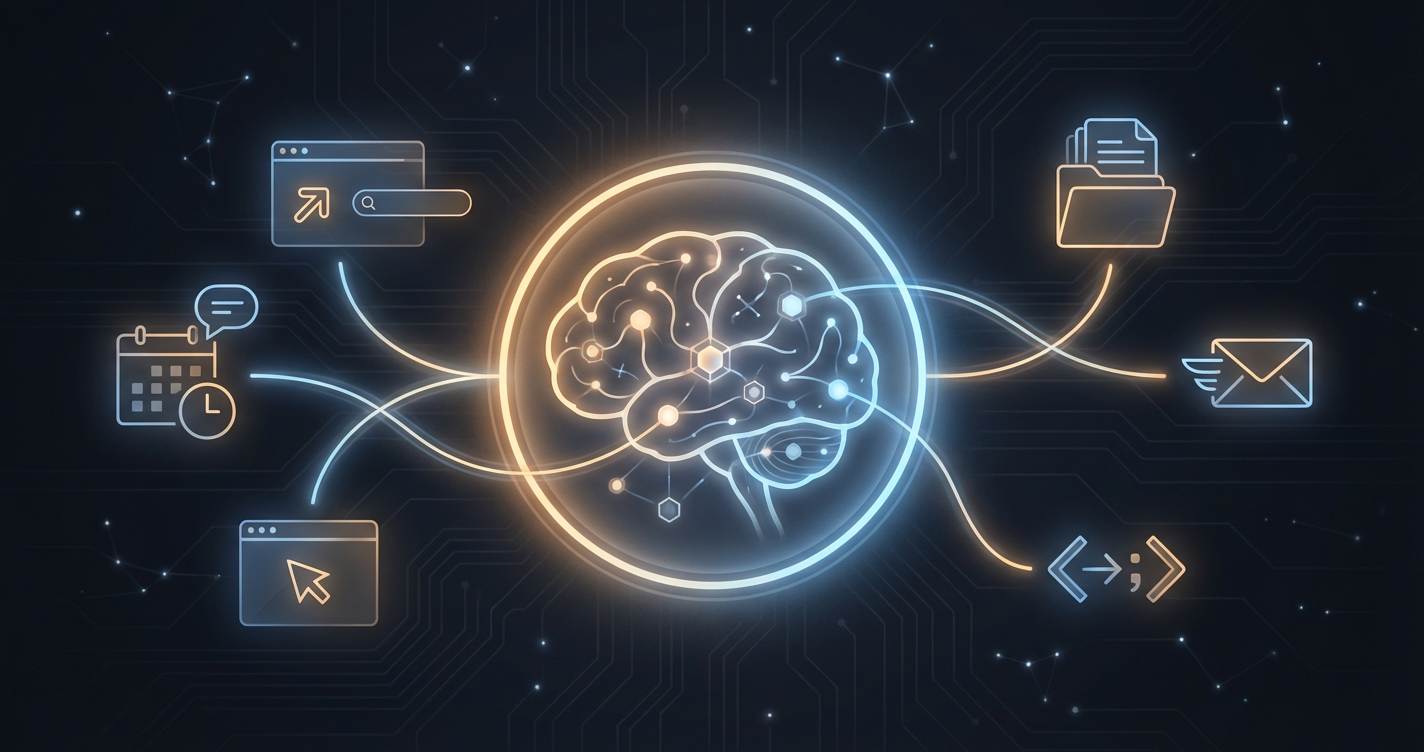
Penpax's core promise is radical data sovereignty: no cloud processing, no telemetry, no training on your data. Everything stays on-device. The project targets a wide range of professional use cases: executive decision-making, creative work, client relationship management, legal case research, healthcare documentation, engineering projects, and academic research.
Where Graphify focuses specifically on codebases, Penpax extends the knowledge graph concept to your entire professional digital life. If you have ever struggled to remember which email thread led to which decision in which meeting that resulted in which code change, Penpax aims to make those connections explicit and searchable. The project is still in early development, but it signals clearly where the team is heading: turning knowledge graphs into a universal memory layer for AI.
Should You Start Using Graphify in 2026
Graphify solves a real problem: the difficulty AI assistants face in understanding the overall structure of a project without consuming massive token volumes. By combining Tree-sitter's deterministic static analysis with LLM-driven semantic extraction, the tool bridges the gap between local code comprehension and big-picture project understanding.
The ideal user profile is a developer or team working on a medium to large project that mixes code in multiple languages with technical documentation, PDF specifications, and potentially meeting recordings. If your project has fewer than ten files and no accompanying documentation, the investment is not justified since the raw files already fit in the context window.
With 22,000 stars in under ten days, an MIT license, and native integration across ten AI development platforms, Graphify is shaping up as one of the most promising open-source projects of 2026 in the AI-assisted development space. The question is no longer whether knowledge graphs will become essential to software development, but how quickly they will be adopted.
FAQ
What is a knowledge graph for a codebase?+
A knowledge graph models the relationships between code elements (functions, classes, files, dependencies) as nodes and edges. This lets an AI agent or developer navigate and understand the code much faster than text-based search.
What is Graphify?+
Graphify is an open-source tool that automatically generates a knowledge graph from your codebase. It analyzes imports, function calls, and file relationships to produce an interactive graph you can query or visualize.
What is a knowledge graph used for in practice?+
Onboarding a new dev, safe refactoring (identifying impacts), tech debt audits, and especially exploitation by AI agents to answer precise questions about the code. It has become a pillar of RAG tools for codebases.
Does Graphify work with all languages?+
Graphify supports major languages (Python, JavaScript, TypeScript, Java, Go). Support for other languages depends on available parsers. Check the official documentation for the up-to-date list and community contributions.

Klare, transparente Preise ohne versteckte Kosten.
Keine Verpflichtung, Preise, die Ihnen helfen, Ihre Akquise zu steigern.

Credits(optional)
Sie benötigen keine Credits, wenn Sie nur E-Mails senden oder auf LinkedIn-Aktionen ausführen möchten
Können verwendet werden für:
E-Mails finden
KI-Aktion
Nummern finden
E-Mails verifizieren
€19pro Monat
1,000
5,000
10,000
50,000
100,000
1,000 Gefundene E-Mails
1,000 KI-Aktionen
20 Nummern
4,000 Verifizierungen
€19pro Monat
Entdecken Sie andere Artikel, die Sie interessieren könnten!
Alle Artikel ansehenBlog
Veröffentlicht am 5. Apr. 2025
FullEnrich: Bewertungen, Preise und Alternativen, um böse Überraschungen zu vermeiden
 Mathieu Co-founder
Weiterlesen
Software
Veröffentlicht am 11. Juli 2024
7 Alternativen zu Expandi, um Ihre Akquisitionskosten zu senken
 Marie Head Of Sales
Weiterlesen
Software
Veröffentlicht am 22. Apr. 2024
Die 5 besten Alternativen zu Dropcontact für eine bessere B2B-Kundenakquise
Marie Head Of SalesWeiterlesen
Software
Veröffentlicht am 31. März 2025
9 Alternativen zu UpLead, um Ihre Kundenakquise WIRKLICH anzukurbeln
 Niels Co-founder
Weiterlesen
Software
Veröffentlicht am 8. März 2025
7 Alternativen zu Kaspr für Ihre B2B-Akquise 2026
Niels Co-founderWeiterlesen
Software
Veröffentlicht am 26. Apr. 2024
Email Finder 2026: Die 9 besten Hunter.io-Alternativen
Marie Head Of SalesWeiterlesen
Nützliche Links
HubKaltakquise-E-Mail: Kompletter LeitfadenZustellbarkeit: Kompletter LeitfadenAlternative zu LemlistAPIDemo anfordernPartnerprogrammFind emailÜber uns
Feedback & RoadmapDatenschutzrichtlinieAGBImpressumTestimonialsRoadmapAlternativesVergleicheContact Maylee
Made with ❤ for Growth Marketers by Growth Marketers
Copyright © 2026 Emelia All Rights Reserved