
Voltar ao hub
Blog
Software
6 Best QR Code Generator Tools That Actually Deliver (No Fluff, Just Results)
Publicado em 18 de dez. de 2025Atualizado em 4 de jun. de 2026
Why Most QR Code Generators Are Letting You Down (And How to Fix That)
Let's be real for a second. You've probably Googled "QR code generator," clicked on the first free tool you found, created your code in thirty seconds, and thought you were done. Genius move, right?
Fast forward two months: your promotional flyers are everywhere, but the link is broken. Or maybe you desperately need to track who's actually scanning your codes, but surprise you can't. Static codes don't play that game. And now you're stuck with hundreds of printed materials pointing to... well, nowhere useful.
Here's the thing: not all QR code generators are created equal. Some are glorified link-to-pattern converters that spit out basic black-and-white squares. Others? They're legitimate marketing powerhouses with analytics dashboards, dynamic editing, custom branding, and tracking features that would make any data nerd weep with joy.
The difference between choosing the right tool and settling for mediocrity can literally be the difference between a campaign that prints money and one that wastes it. So buckle up, because we're about to dive into the six best QR code generators that actually deserve your attention in 2026 no filler, no sponsored BS, just tools that work.
What Makes a QR Code Generator Actually Worth Using?
Before we jump into the heavy hitters, let's talk about what separates the pros from the amateurs.
Dynamic vs Static: The Make-or-Break Feature
Static QR codes can't be changed once they're created, whereas dynamic QR codes allow you to update the scan destination after they have been created and printed. Dynamic QR codes come in handy when mistakes are made and situations change.
Think of static codes as tattoos permanent, unchangeable, and sometimes regrettable. Dynamic codes? They're more like temporary tattoos you can swap out whenever your campaign evolves. Need to redirect thousands of already-printed codes to a new landing page? Done. Want to switch from a holiday promotion to a spring sale? Easy.
Analytics That Actually Matter
If you're running any kind of business campaign and you aren't tracking your QR code performance, you're essentially throwing darts blindfolded. Analytics are key for businesses using QR codes in marketing campaigns. Some platforms only offered basic scan counts, while the best provided detailed insights like location tracking, device and OS data, peak scanning times, and user engagement tracking.
Customization: Because Black-and-White Is So 2010
Your brand has colors. It has a logo. It has a vibe. Your QR codes should too. The best generators let you customize everything from colors and shapes to adding your logo right in the center all while keeping the code 100% scannable.
Print Quality That Won't Embarrass You
A QR code should work whether it's printed on a business card, billboard, or product packaging. I focused on tools that allowed exporting in SVG (scalable for all sizes), EPS (for professional printing), PDF (for vector-based accuracy), and high-DPI PNG (for web use).
Now that we know what actually matters, let's meet the contenders.
The 6 Best QR Code Generators You Should Actually Consider in 2026
1. QR Code-AI.com: AI-Powered QR Code Generator
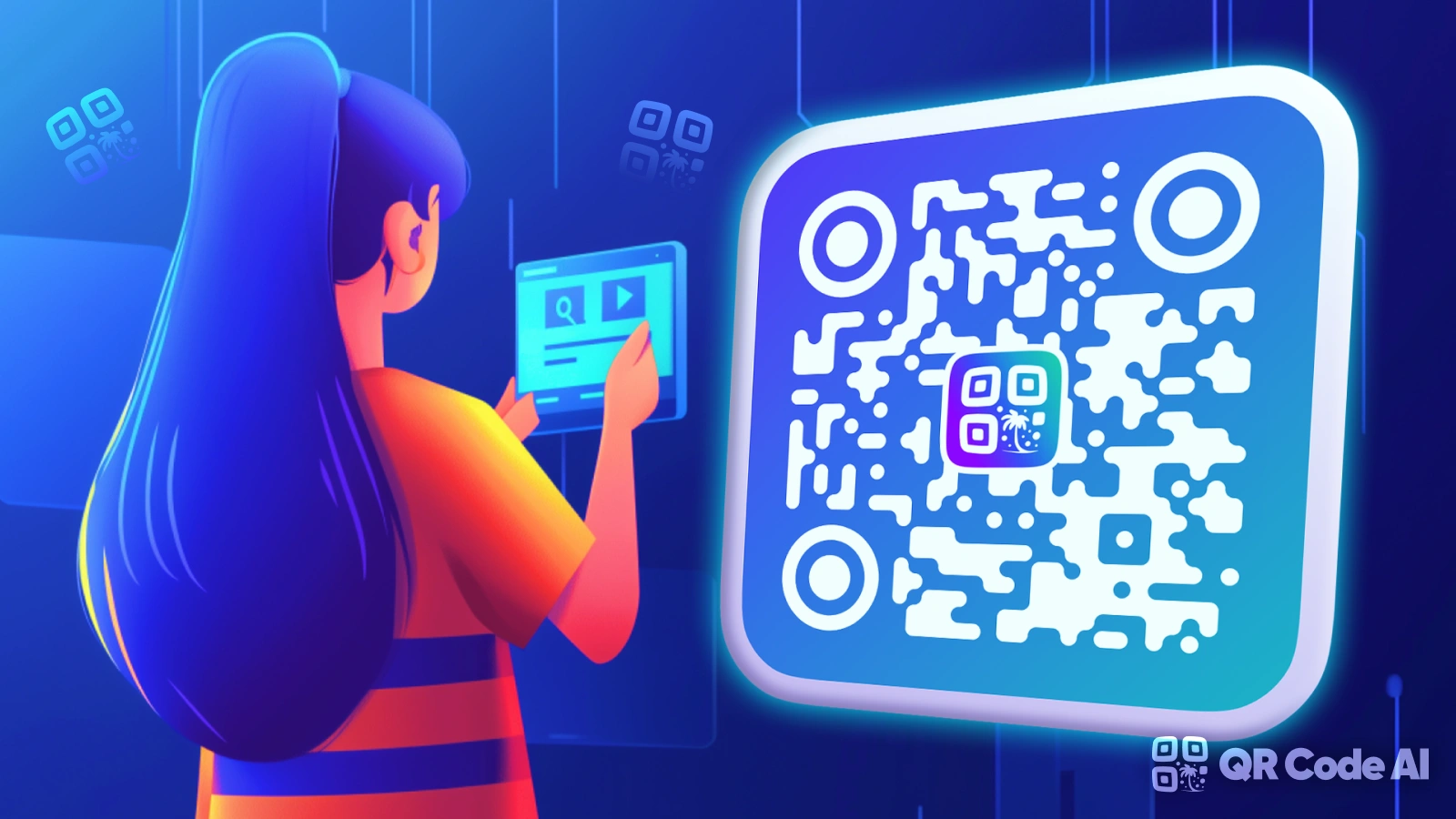
If you thought all QR code generators were created equal, think again. QR CODE-AI.com is not just another tool that spits out black-and-white squares it’s a modern, AI-powered platform designed for professionals, marketers, and businesses that want QR codes to actually perform.
What really sets QR CODE-AI.com apart is its focus on design, flexibility, and performance tracking. Instead of forcing you to adapt your branding to the QR code, the platform adapts the QR code to your brand. Colors, shapes, backgrounds, and logos can all be customized, resulting in visually engaging QR codes that feel like a natural extension of your marketing assets.
But it’s not just about looks. QR CODE-AI.com also supports dynamic QR codes, meaning you can change the destination URL after the code has already been printed or shared. This makes it particularly valuable for long-term campaigns, printed materials, or situations where links need to evolve over time.
Key Features
Advanced Custom QR Codes: Full control over colors, shapes, logos, frames, and backgrounds to match brand guidelines.
Dynamic QR Codes: Update the destination URL anytime without regenerating or reprinting the QR code.
Tracking & Analytics: Monitor scans in real time, including location, device type, and scan frequency.
AI-Powered Design: Automatically generate visually unique and eye-catching QR codes optimized for marketing use.
Built-In URL Shortener: Manage short links and QR codes from a single, centralized dashboard.
Typical Use Cases
QR CODE-AI.com is particularly well-suited for professionals who care about both aesthetics and measurable results:
Marketing campaigns that require real-time performance tracking and A/B testing
Event materials such as tickets, badges, posters, and check-in pages
Restaurants and hospitality (digital menus, reviews, Wi-Fi access)
Business cards and brochures where branding consistency is critical
Interactive campaigns that rely on visually attractive QR codes to boost scan rates
Strengths & Limitations
Strengths
Excellent design flexibility compared to standard QR generators
Dynamic QR codes and analytics even on accessible plans
Strong value for marketers and small-to-medium businesses
Free plan available, with scalable premium options
Limitations
Less focused on enterprise-wide link management
Advanced analytics and branding features require a paid plan
QR CODE-AI.com is an ideal choice if you want QR codes that don’t just work but convert. It’s especially appealing for branding-focused teams and campaigns where design and performance tracking matter just as much as the link itself.
2. Bitly: The Enterprise Beast That Does Everything
Best for: Businesses that need serious link management and QR codes under one roof
Let's start with the elephant in the room: yes, Bitly. You probably know them for link shortening, but they've quietly become one of the most robust QR code platforms out there.
Why Bitly Stands Out
After testing its QR code generator, I was surprised by how well it integrates dynamic QR codes, tracking, and branding tools into one uniform experience. Ranked as a Leader on the G2's best QR code generators, I've found Bitly to be a reliable go-to when I need enterprise-level link management and QR code customization with performance I can count on.
What makes Bitly special isn't just the QR generator itself it's the ecosystem. Your QR codes live alongside your shortened links, all tracked through the same analytics dashboard. For businesses already using Bitly for link management, adding QR codes is a no-brainer.
The Good Stuff
Dynamic QR codes by default (change destinations without reprinting)
Crazy detailed analytics: scan location, device type, referring channels
Custom branded domains (make those redirect links look professional)
Seamless integration with existing Bitly campaigns
UTM parameter support for Google Analytics tracking
The Not-So-Good Stuff
I noticed the free plan only allows for two QR codes per month, which felt a bit tight when juggling multiple campaigns.
If you're planning to run multiple campaigns simultaneously, you'll need to pony up for a paid plan.
Pricing Reality Check
Bitly's free plan exists, but it's limited. For serious business use, expect to invest in their premium tiers. Think of it as paying for the Mercedes of QR code management you're not just getting codes; you're getting an entire marketing infrastructure.
3. QRCode Monkey: The Free Powerhouse for Designers
Best for: Budget-conscious creatives who refuse to compromise on design
If your first thought was "I need something free that doesn't look like garbage," congratulations QRCode Monkey is your new best friend.
Why Designers Love This Tool
QRCode Monkey is one of the most popular free online qr code generators with millions of already created QR codes. The high resolution of the QR codes and the powerful design options make it one of the best free QR code generators on the web that can be used for commercial and print purposes.
The customization options are chef's kiss. We're talking full color control, logo uploads, custom shapes, and vector format exports (SVG, EPS, PDF) that scale infinitely without pixelation. This is legitimately print-ready quality at exactly zero dollars.
What Makes It Special
100% free with no hidden catches or time limits
All generated QR codes will work forever, do not expire and have no scanning limits like you see at other commercial QR code generators.
High-resolution exports perfect for large-format printing
Advanced customization: colors, gradients, logo integration
Every QR code can have an error correction up to 30%. This means 30% of the QR code (excluding the corner elements) can be removed and the QR code is still working.
The Trade-Off
Here's the catch: The created QR codes are static so the only limitation is that you can't edit the QR code again.
Once you generate and print, you're locked in. No analytics, no destination updates, no tracking. If you need those features, you'll have to upgrade to their paid "QR Code Generator PRO" platform.
Perfect Use Cases
Permanent links (your portfolio, company homepage, social media)
Business cards with your LinkedIn or contact info
Product packaging with unchanging content
Event posters for one-time occasions
The bottom line: If you know your destination won't change and you don't need scan tracking, QRCode Monkey delivers professional-grade results without spending a cent.
4. Uniqode: The Security-Obsessed Enterprise Solution

Best for: Mid-to-large businesses that handle sensitive data and need compliance features
While everyone's fighting over free tiers and basic features, Uniqode (formerly Beaconstac) is playing an entirely different game one focused on enterprise-grade security and team collaboration.
Why Businesses Choose Uniqode
Uniqode is one of the most reliable and secured QR Code generators that offers everything you need in a QR Code: editability, scannability, trackability, customization, security, and team collaboration.
This isn't just a QR code generator; it's a complete campaign management platform. Uniqode's security features, such as its GDPR certification and SOC® 2 Type 2, instill confidence. The option to add multiple team members and decide their access levels is another enterprise feature that makes Uniqode one of the best dynamic QR Code generators.
Feature Highlights
Smart Rules: Dynamic codes that change based on location, time, device, or scan count
Advanced analytics with real-time dashboards
Bulk QR code generation with CSV uploads
API access for developers and CRM integrations
Multi-user access with customizable permissions
White-label options for agencies
GDPR and SOC 2 Type 2 compliance (huge for regulated industries)
The Team Collaboration Advantage
If you're working with marketing teams, agencies, or multiple departments, Uniqode shines. You can assign different access levels, organize campaigns in folders, and maintain brand consistency across all team-generated codes.
Pricing Structure
STARTER: $5 per user per month, billed annually. Best for individuals and solopreneurs · LITE: $15 per user per month, billed annually. Best for small businesses looking to reach more customers · PRO: $49 per user per month, billed annually. Everything on LITE. Best for mid-scale businesses that need advanced QR Code features · PLUS: $99 for three users per month, billed annually.
Who Should Consider Uniqode?
Healthcare, finance, or legal firms needing compliance
Marketing agencies managing multiple client campaigns
Retail brands running large-scale product packaging campaigns
Companies that need audit trails and data security
Real talk: Uniqode isn't trying to be the cheapest option. They're positioning themselves as the most reliable and secure option. If your QR codes are mission-critical or handle sensitive customer data, that peace of mind is worth the investment.
5. Flowcode: The Visual Storyteller's Dream
Best for: Brands that want their QR codes to be part of the creative, not an afterthought
Here's a hot take: most QR codes are ugly. They're functional, sure, but they stick out like a sore thumb on beautifully designed packaging, posters, or business cards.
Enter Flowcode the platform that said "what if QR codes could actually be pretty?"
What Makes Flowcode Different
Flowcode offers advanced analytics, basic customization options, and limited enterprise features. Offers only Dynamic QR Codes, which can be edited after creation. Suitable for companies who need flexibility in their campaigns.
Flowcode specializes in creating QR codes that integrate seamlessly into your brand aesthetics. They offer custom-shaped codes (think hearts, circles, brand-specific shapes) and advanced design options that make codes look intentional rather than tacked on.
Core Features
All QR codes are dynamic (no static limitations)
Advanced design customization with brand-safe templates
Real-time analytics dashboard
Mobile-optimized landing pages
Integration with marketing automation tools
The Design Philosophy
Flowcode understands that in 2026, aesthetics matter. Consumers are more likely to scan codes that look professional and intentional. Their platform makes it stupid-easy to create codes that blend with your branding rather than clash with it.
Ideal Users
Fashion and beauty brands with strong visual identities
Event organizers creating premium materials
Restaurants and hospitality businesses
Consumer packaged goods (CPG) companies
Considerations
Flowcode leans premium. They're not targeting the "I just need a quick free code" crowd. If you're a brand where design is non-negotiable and you've got marketing budget to allocate, Flowcode delivers art + function.
6. ME-QR: The International Team's Secret Weapon
Best for: Global businesses and teams working across multiple languages and regions
Most QR code generators treat internationalization as an afterthought if they think about it at all. ME-QR built their entire platform around making QR codes work seamlessly for global teams.
Why International Teams Love ME-QR
ME-QR provides access to 44 QR code types, scan analytics, and design customization from day one all without time limits. Perfect for international teams: ME-QR supports 28 languages and unlimited multi-user access, making it ideal for global use.
This is a serious differentiator. If you're running campaigns in multiple countries or need team members in different regions to access and create codes, ME-QR removes all the friction.
Feature Breakdown
44 different QR code types (URLs, vCards, PDFs, WhatsApp, WiFi, social media, etc.)
Track scans, user locations, and performance in real-time no upgrade required.
28 language interfaces for global teams
Unlimited multi-user access (even on free plans)
Security built-in: Features like password protection and encryption are available even on the basic plan a rare find among QR platforms.
Custom domain support and Google Analytics integration
The Analytics Advantage
ME-QR enables real-time tracking of scan counts, user geography, and activity times. Unlike many other generators, our analytics are available even on the basic plan, simplifying the monitoring of marketing campaign effectiveness.
Who Benefits Most?
E-commerce businesses selling internationally
Travel and hospitality companies targeting tourists
Nonprofits with global donor bases
Educational institutions with international students
Marketing agencies with diverse client locations
The Free Plan Reality
Unlike most "free" plans that feel like hostage situations designed to force upgrades, ME-QR actually provides usable features from day one. You get analytics, multiple QR types, and customization without hitting immediate paywalls.
The verdict: If your business operates across borders or you need team access without per-seat pricing eating your budget, ME-QR is ridiculously underrated.
How to Choose the Right QR Code Generator for Your Actual Needs
How to Choose the Right QR Code Generator
Will your URL change? → Yes → Dynamic codes.
Do you need analytics? → If yes, go dynamic.
How important is design? → Advanced: Flowcode or QR CODE-AI.COM.
Budget? → Free for personal/static use; paid for business campaigns.
Team collaboration? → Use Uniqode or ME-QR.
Common QR Code Generator Mistakes That'll Torpedo Your Campaign
Let's save you some expensive headaches by covering what not to do.
Mistake #1: Using Static Codes for Long-Term Campaigns
Don't use static codes for printed campaigns. You can't edit them later. Choose dynamic for long-term use.
Imagine printing 10,000 flyers with a static QR code linking to your spring sale. Great! Except the sale ends, and now those flyers lead to a 404 error or outdated content. Oops. That's not just embarrassing it's brand-damaging.
Mistake #2: Ignoring Print Quality
Downloading a low-resolution PNG and slapping it on a billboard is a rookie move. Some generators only provided low-resolution PNGs, which turned pixelated when resized. I focused on tools that allowed exporting in SVG (scalable for all sizes), EPS (for professional printing), PDF (for vector-based accuracy), and high-DPI PNG (for web use).
Always export vector formats (SVG, EPS) for print materials. Your designer will thank you.
Mistake #3: Over-Designing to the Point of Usability Issues
Yes, customization is great. But if you go wild with colors, distort the pattern too much, or use insufficient contrast, your code won't scan.
Keep these rules:
Dark foreground, light background (high contrast)
Don't cover critical corner elements
Test on multiple devices before printing
Mistake #4: Not Testing Before Mass Printing
This should be obvious, but you'd be shocked how many businesses skip this step. Test your QR code on multiple phones (iPhone, Android, different camera apps) at different distances before you print thousands of copies.
Mistake #5: Choosing Features You'll Never Use
Don't pay for enterprise features if you're running a small business with basic needs. Conversely, don't cheap out on free static codes when your campaign genuinely requires tracking and editing. Match the tool to your actual requirements.
Conclusion: QR Codes That Really Make a Difference
Not all QR code generators are created equal. Depending on your needs scan tracking, advanced customization, global campaigns, or security some tools will be more suitable than others.
For free and simple use: QRCode Monkey
For analytics and enterprise use: Bitly
For global campaigns: ME-QR
For security and compliance: Uniqode
For design-focused brands: Flowcode
For a versatile, AI-powered tool: QR CODE AI.COM
The use of QR codes continues to grow, and consumers now scan them naturally, smartphones in hand. The technology is reliable and easy to use.
QR CODE-AI.COM, with its dynamic, customizable QR codes and built-in analytics, stands out for its versatility and ability to meet most professional needs without unnecessary complexity.
Ultimately, it’s about choosing the tool that lets you get the most out of your marketing efforts and create QR codes that truly work, rather than settling for the first free option you find.
Your campaigns deserve QR codes that perform so start scanning and creating, smartly. 🚀
FAQ – QR Code Generators
1. What’s the difference between static and dynamic QR codes?+
Static QR codes can’t be changed after creation, while dynamic QR codes let you update the destination and track scans in real time.
2. Can I create QR codes for free?+
Yes, platforms like QRCode Monkey allow free static QR codes. For dynamic codes with analytics, most tools offer free trials.
3. Can I track who scans my QR codes?+
Only with dynamic QR codes. They can collect scan data such as time, location, device type, and more.
4. Can I customize the design of my QR codes?+
Yes! Tools like QR CODE-AI.COM, Flowcode, and QRCode Monkey let you customize colors, shapes, logos, and backgrounds.
5. Are QR codes still relevant in 2025?+
Absolutely. QR code usage is growing, and smartphones now natively scan codes, making them highly accessible for marketing campaigns.
6. Do I need a premium tool?+
It depends on your needs. Free tools work for simple or permanent links, but professional campaigns benefit from dynamic codes, analytics, and design options.

Preços claros, transparentes e sem custos ocultos.
Sem compromisso, preços para ajudá-lo a aumentar sua prospecção.

Créditos(opcional)
Você não precisa de créditos se você quiser apenas enviar e-mails ou fazer ações no LinkedIn
Podem ser usados para:
Encontrar E-mails
Ação de IA
Encontrar Números
Verificar E-mails
€19por mês
1,000
5,000
10,000
50,000
100,000
1,000 E-mails encontrados
1,000 Ações de IA
20 Números
4,000 Verificações
€19por mês
Descubra outros artigos que podem lhe interessar!
Ver todos os artigosSoftware
Publicado em 27 de mai. de 2025
Software CRM 2026: top 9 (gratuito e pago)
 Mathieu Co-founder
Leia mais
Software
Publicado em 5 de abr. de 2025
SignalHire alternativas: melhores ferramentas B2B 2026
 Niels Co-founder
Leia mais
Software
Publicado em 14 de jul. de 2024
6 alternativas ao Skylead para gastar menos e melhorar sua geração de leads
 Marie Head Of Sales
Leia mais
Prospecção B2B
Publicado em 28 de mai. de 2025
Marketing B2B 2026: definição, estratégias e exemplos
Niels Co-founderLeia mais
Marketing
Publicado em 9 de jun. de 2023
Cold email: guia completo para iniciar em 2026
Niels Co-founderLeia mais
IA
Publicado em 18 de jun. de 2025
Os 5 melhores geradores de voz com IA para 2026
Mathieu Co-founderLeia mais
Links úteis
HubCold-email: Guia CompletoEntregabilidade: Guia completoAlternativa ao LemlistAPISolicitar uma demonstraçãoPrograma de afiliadosFind emailSobre
Feedback & RoadmapPolítica de privacidadeCGVAvisos legaisTestimonialsRoadmapAlternativesComparaçõesContact Maylee
Made with ❤ for Growth Marketers by Growth Marketers
Copyright © 2026 Emelia All Rights Reserved