
MailReach ratings on G2, Capterra and Trustpilot
G2 and Capterra, which hold most of the reviews, give 4.7 and 5.0 out of 5. Trustpilot has only 9. G2 and Capterra block automated reading, so their figures come from search engine results on October 18, 2026.
What reviewers like
- The Autopilot mode and a quick start
- A support team that answers fast
- Reputation scores that climb within weeks
- An interface that stays simple
What reviewers report
- A premium price, billed per mailbox, better suited to teams that send regularly than to small one-off volumes
- Statistics focused on deliverability (reputation, inbox or spam placement), not on campaign performance
- No campaign sending: you need a sending tool alongside
- Results that take several weeks, like any warm-up
What MailReach users praise: the hands-off warm-up and the people behind it
- It runs on its own. Reviewers on G2 and Capterra describe connecting a mailbox and letting the Autopilot mode handle the pace, with little to configure.
- The support answers. Several reviews mention quick replies on the chat, one of them a 6-hour session with the team on G2, and a recent Trustpilot review says the same.
- The scores move. The positive reviews talk about inbox placement or reputation scores that improve, one Trustpilot reviewer from 40 to 100 in 4 weeks.
- It is easy. On Capterra's 24 reviews, its sub-scores are 5.0 for ease of use, 5.0 for value for money and 5.0 for customer service.
The limits MailReach reviews mention: price, scope, patience
- A premium price, billed per mailbox. G2's summary of reviews points to a high cost at low volume; one reviewer finds it expensive at 500 emails a month and worth it past 2,000. The pricing suits teams that send regularly better than small one-off volumes.
- Statistics centred on deliverability. Some G2 reviews would like more detailed reports. The dashboard follows what MailReach works on, deliverability (reputation, inbox or spam placement), not campaign performance, which stays in your sending tool.
- The time it takes. One G2 reviewer needed about 5 weeks to reach a full score: warm-up is slow by nature, and MailReach asks for 14 days of it before any campaign.
- No campaign sending. MailReach warms and tests your mailboxes but sends nothing: your campaigns need a sending tool alongside it, connected to the same mailboxes.
Who gets the most out of MailReach, and who does not
A good fit
B2B teams that already send from a tool they want to keep and need warm-up on top, with placement tests and alerts when a score drops. Agencies that warm dozens of mailboxes also get a lower rate per mailbox past each tier.
A poorer fit
Anyone who wants to try before paying (there is no trial of the warm-up), B2C senders (MailReach says it does not help there), and teams that still need a tool to send campaigns or run LinkedIn: MailReach does neither, so the bill adds up with a second subscription.
If the per-mailbox price is what holds you back
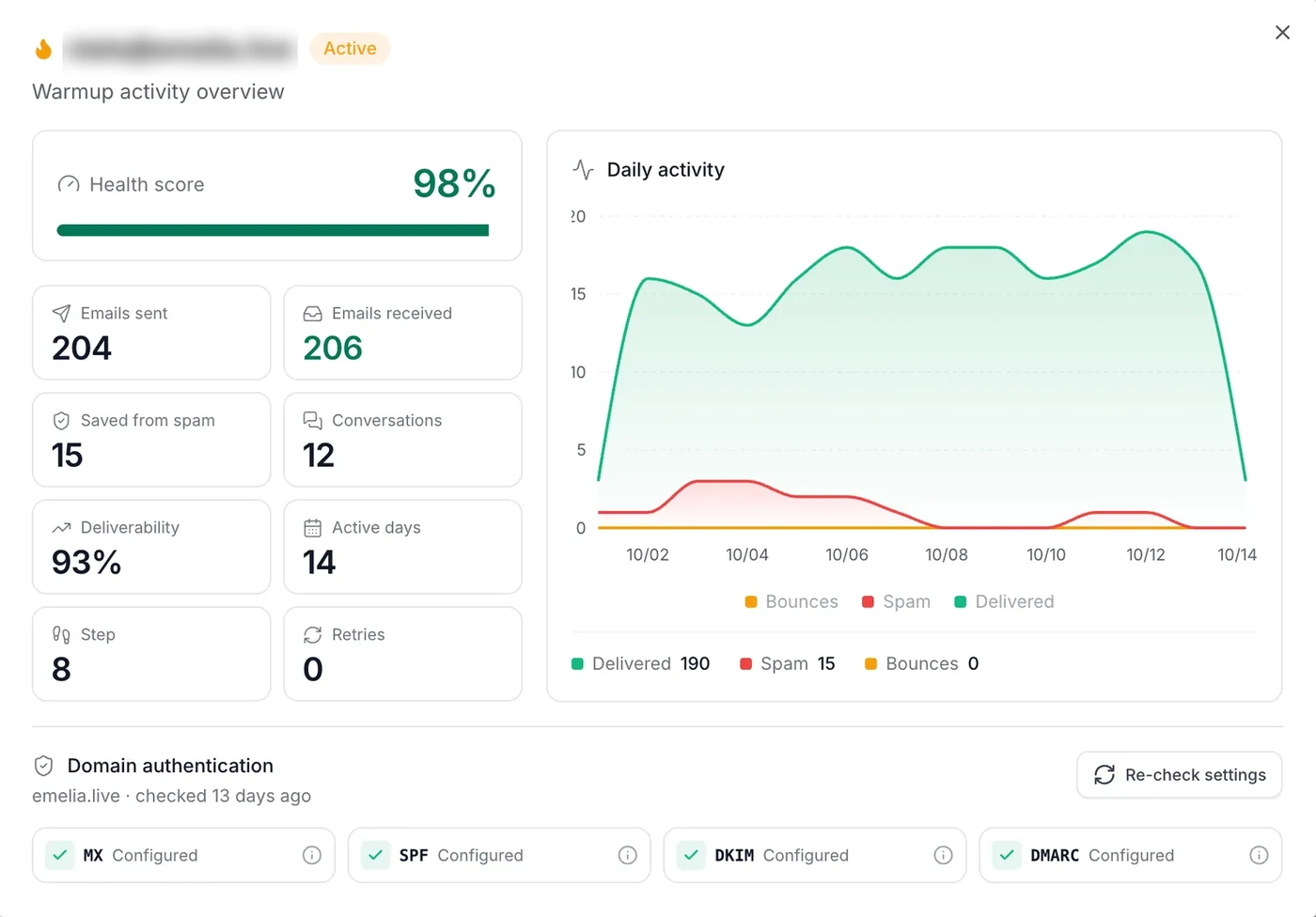
Emelia does not bill warm-up by the mailbox: it comes with a plan that also sends, 3 mailboxes on Start, 50 on Grow.
- 3 mailboxes: $75 a month at MailReach, $37 for Emelia Start.
- 50 mailboxes: $900 against the same $97.
- Every row: the monthly figures, up to 100 mailboxes, are on the MailReach pricing page.
MailReach reviews: common questions
Yes. It is published by THE BRAIN COMPANY, a SAS registered in Paris on May 6, 2021, it claims 3,000+ business customers and its reviews are mostly five stars. There is no commitment: you can cancel at any time from the Billing menu, and the account stays active until the end of the period already paid.
The reviews say it raises reputation scores, usually over several weeks. MailReach says a damaged reputation can be restored in 90% of cases; as with any warm-up tool, inbox placement also depends on what you send and to whom.
MailReach says its warm-up does not help with B2C and that it is not built for mass email. Its spam test, on the other hand, also checks newsletters and transactional emails.
From the Billing menu: set the number of mailboxes to 0, then confirm the cancellation. Pausing or disconnecting a mailbox only pauses its warm-up, without stopping the subscription. After cancelling, the account stays active until the end of the period already paid.
Emelia features: Email warm-up · Cold email · Emelia pricing
Emelia is a MailReach competitor. We have tried to stay fair: every figure about MailReach comes from its own website or public review sites.


