Emelia credits: what they pay for and how they are charged
Credits pay for data (email addresses, phone numbers, verifications) and for AI actions. They are never used for sending: your campaigns, emails and LinkedIn actions don't consume any.
What costs credits, and what doesn't
In other words, 1,000 credits are worth 1,000 addresses found, or 1,000 AI actions, or 20 phone numbers, or 4,000 verifications. An email or phone search that finds nothing costs nothing.
| Action | Cost |
|---|---|
| Finding an email address | 1 credit per address found |
| Finding a phone number | 50 credits per number found |
| Verifying an email address | 0.25 credit (4 verifications for 1 credit) |
| AI action: classifying a reply, drafting a reply, solving a Mailinblack… | 1 credit per action |
| Sending emails, launching a campaign, LinkedIn actions | 0 credits |
| Extracting LinkedIn or Sales Navigator profiles, with an active plan | 0 credits, unlimited |
Automatic reply classification and automatic Mailinblack solving are options to turn on under Settings > Advanced. Turned off, they consume nothing. Turned on, they stop when your balance is empty.
Where to see your balance and usage
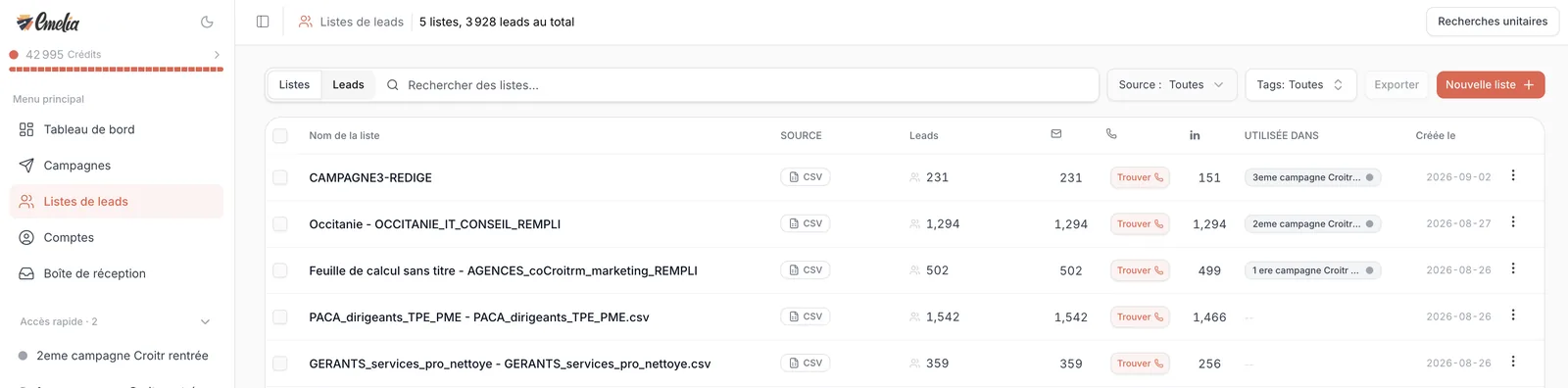
Your balance shows at the top of the left menu, with a progress bar, on every page. Clicking it opens Settings > Data & AI Credits.
On that page, the Credits Usage block lists every charge with its date, amount, action (“Email finder (bulk)”, “Phone finder”, “Email verification”, “Email classification”…) and source. That is where you find out where the credits went: usually, look at phone searches first, at 50 credits each.
 1
1- 1Your credit balance, at the top of the left menu. Click it for the details.
Buying credits: the credits subscription
Under Settings > Data & AI Credits, pick a tier with the slider, then click Subscribe to credits. The monthly price shows before payment.
| Credits per month | Price per month |
|---|---|
| 1,000 | $19 |
| 5,000 | $49 |
| 10,000 | $99 |
| 50,000 | $299 |
| 100,000 | $499 |
- Credits are valid for 1 year, as the page says.
- They add up to your balance every month, on the anniversary date of this credits subscription (not that of your plan).
- Changing tier: move the slider to another tier, then click Change plan. On your current tier, the Manage button opens the billing portal to change or cancel.
- Separate from your plan: the credits subscription and your plan (Start, Grow, Scale) are two separate subscriptions. You can stop one and keep the other.
There is no tier on display: write to support, the price is open to discussion.
Credits included with your plan
Each plan gives credits, once: 500 with Start, 1,000 with Grow, 5,000 with Scale. They are granted when you subscribe, and on the first move up to a higher plan (going from Start to Grow adds 1,000 credits). Nothing at renewal, nothing when moving down to a lower plan.
This is not a monthly allowance: it is enough to test. For a volume renewed every month, take a credits subscription. And during the free trial, no credits are given: you can run an extraction and launch campaigns without credits, but not look up addresses.
Having credits does not let you launch a campaign: you need an active plan. The message “You must have a subscription to start a campaign” with credits in stock means the plan is missing, not credits.
A balance that never goes negative
When you launch a search on a list, Emelia reserves the maximum cost: 1 credit per lead without an email, 50 per lead without a phone. If your balance does not cover the reservation, nothing starts, and Emelia shows how many credits are needed. At the end, only the results found are charged, and the rest goes back to your balance.
The detailed diagram, with a worked example, is in finding email addresses.
Making your credits last
- Deduplicate before enriching: the same contact listed twice is searched, and charged, twice (cleaning and deduplicating a list).
- Exclude before enriching your customers and the people already contacted, with the lists' Deduplicate tool.
- Don't re-verify the addresses found by Emelia: they are already verified.
- Keep phone numbers for engaged contacts: at 50 credits each, target those who opened, clicked or replied.
- Check the website column before launching: a badly mapped column costs nothing (nothing is found), but you will have to run everything again.
Frequently asked questions
The questions we get asked on this topic, answered briefly.
Are credits used to send emails?
No, never. Sending emails, running a campaign, visiting profiles or sending LinkedIn invitations consumes no credits: an active plan is all you need. Credits pay for data and AI actions.
Why did my balance drop sharply when I launched a search?
Emelia reserves the maximum cost at launch, then refunds the credits of the contacts not found at the end. Wait until the search is over: your balance goes back up by the unused amount.
Can my balance go negative?
No. A search only starts if your balance covers the reservation. If it doesn't, Emelia shows how many credits are needed and starts nothing.
Do my credits expire?
Credits bought through a subscription are valid for 1 year, as the Data & AI Credits page says. They add up to what you have left at each renewal.
Does my plan include credits every month?
No. Your plan gives credits once, when you subscribe (500, 1,000 or 5,000 depending on the plan) and on the first upgrade. For a monthly volume, you need a credits subscription.
I paid but my credits don't show
Reload the page: the balance updates once the payment is confirmed. If nothing shows, write to support with your proof of payment and we will add them.
Can I transfer credits to another account?
Yes, on request to support, giving the address of the source account and of the destination account.